
New Player Guide: Settings & Set-Up


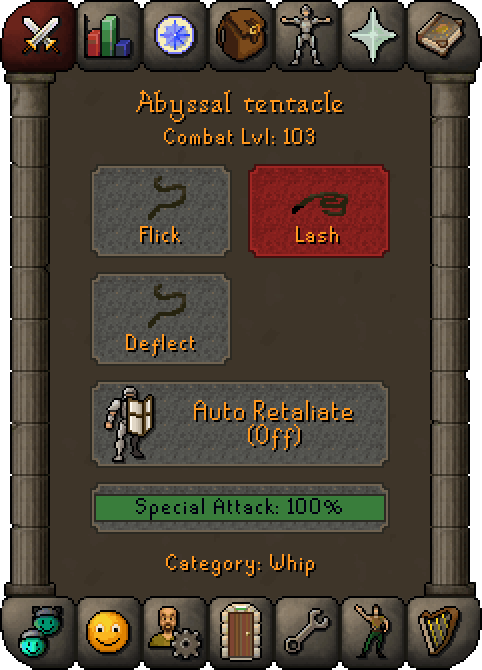
The Combat Options tab show different attack styles that a player uses in Combat, which in turn affects what experience they receive.
A player's attack style is chosen on the combat screen section of the interface. Available combat options are determined by the weapon category, which is listed just beneath the auto-retaliate option and special attack bar.
You can find out more about this tab in dedicated Combat New Player Guide!

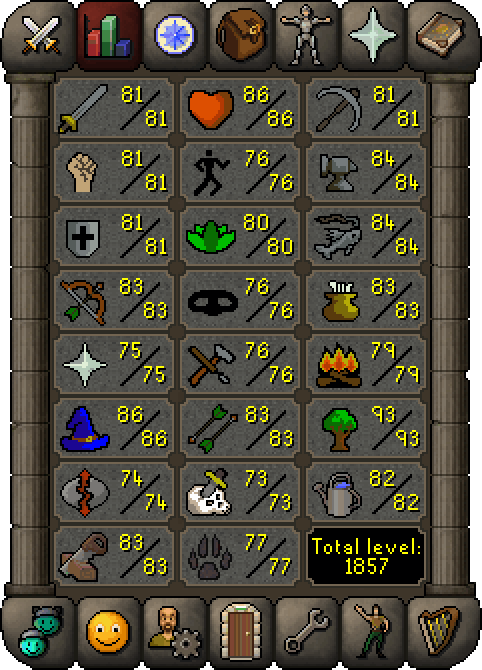
This panel showcases all of your Skills. One of the most important factors in the game as unlike other MMOs, you're not bound to training up a selected few.
Instead you're encouraged to take on all roles and learn different mechanics, techniques and gameplay through each different skill.
There's a total of 23 Skills and by double-clicking each one, you can bring up each Skill's guide which can show you the key unlocks by level.

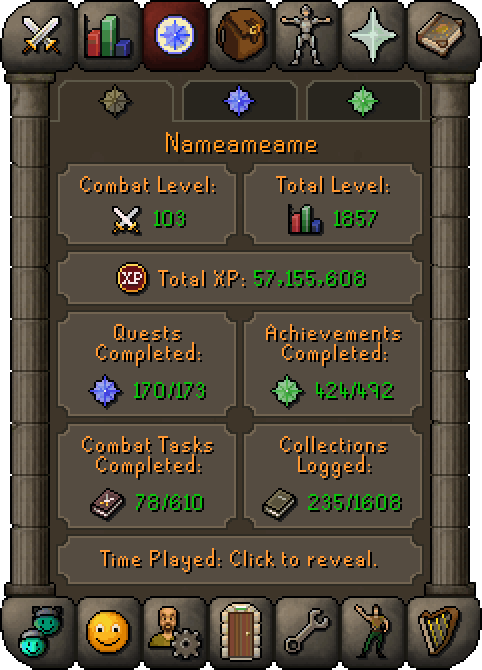
This tab gives you helpful information regarding your character and unlocks.
The brown tab is your Character Summary and gives you notable statistics such as Collections Logged, Combat Level & Quests Completed.
The blue tab is the Quest List. This shows you a list of available quests in the world and their current status of completion. You can click into each quest to find out more.
Finally, the green tab is your Achievement Diary. This show available achievements for each regions diary. Ardougne's is a good place to start!

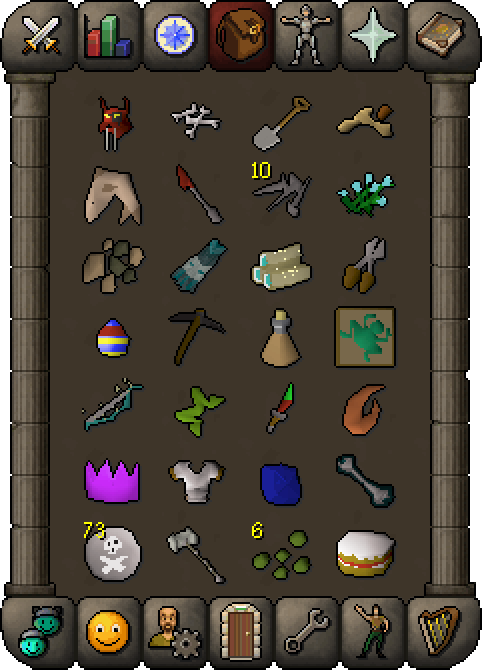
The inventory is where the player carries items that can't be or aren't equipped.
A player's inventory can hold up to 28 items, and any additional items must be stored in the player's bank.
Some items are stackable (such as coins, runes, and arrows), which means they only take up the space of one item, no matter how many a player has.
The limit of 28 items in a player's inventory is integral to the RuneScape economy.

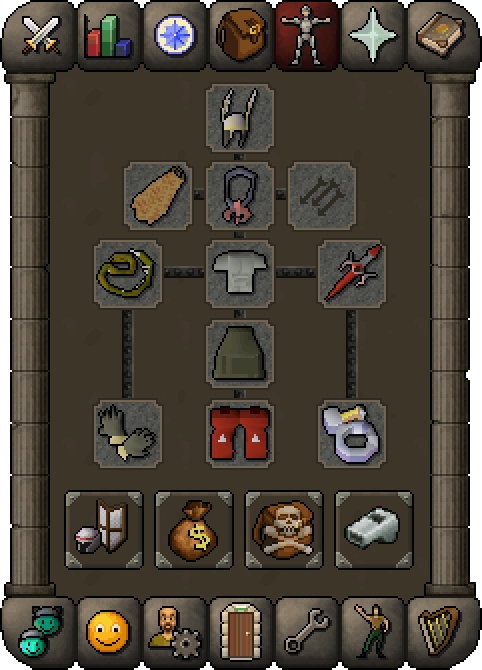
The Worn Equipment tab, shows all the equipment that the player is wearing or wielding, divided into 11 different slots.
The other buttons include:
Equipment Stats:
Showing you a detailed breakdown of your stats.
Guide Prices:
Gives you the average Grand Exchange prices of items.
Items Kept On Death:
Allows you to check which items you'll keep if you perish in various situations.

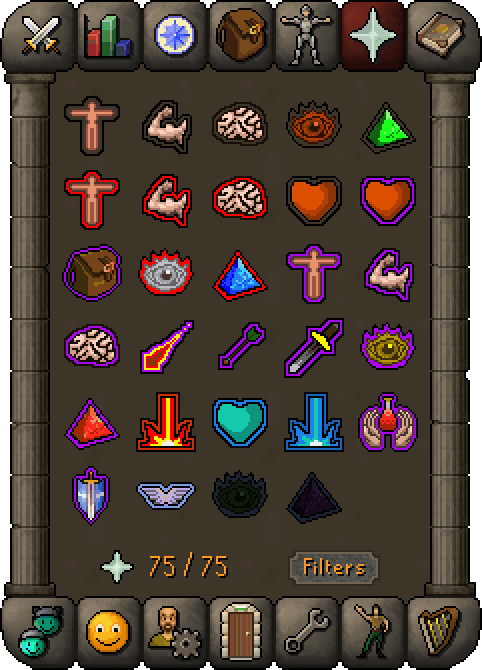
Prayers are unlocked as the level in the skill goes up.
They can assist the player in combat, for instance with boosted Attack, immunity to Magic damage, or faster Hitpoint regeneration.
As long as prayers are activated, the player's prayer points are slowly drained. These points are required to have prayers enabled, and can be regained by praying at any altar, or using prayer-restoring potions.
The biggest prayers to unlock are the three protection prayers: Protect from Magic, Protect from Missiles & Protect from Melee which can be unlocked at Level 37, 40 & 43 Prayer respectively.

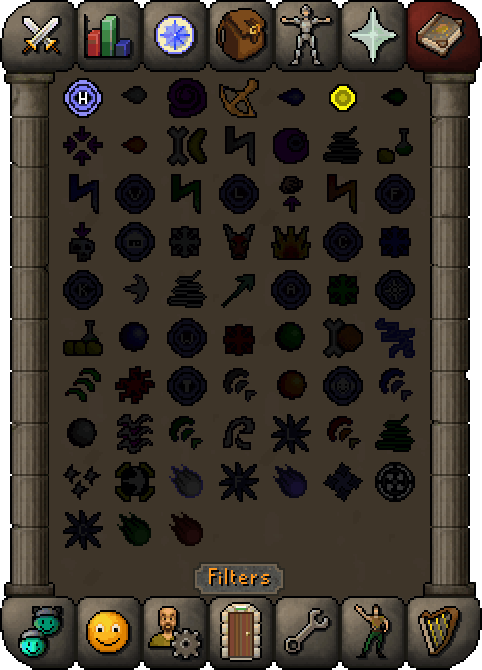
A spellbook is a list of magic spells available for casting to a player.
There are currently four spellbooks: the standard spellbook, the Ancient Magicks spellbook, the Lunar spellbook and the Arceuus spellbook.
Ancient Magicks and the Lunar spellbook require a quest to be completed in order to unlock them.
You can filter your spells via level unlock, runes held and more using the 'FILTERS' button at the bottom.

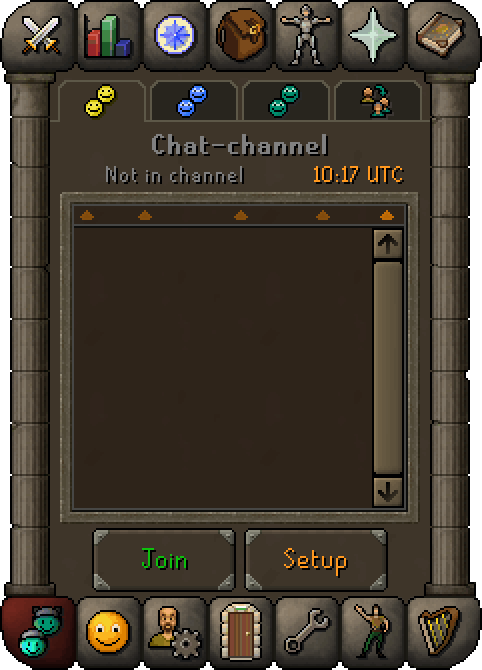
The Chat-channel tab is a feature in which players can chat with other players!
Join a chat-channel in the first tab and use (/) to easily end messages to this group.
The second tab is for your Clan and you can type (//) or (/c) to send messages here.
Thirdly, the View another clan tab shows others clans and you can send messages here with (///) or (/g) before the message.
Finally, the Grouping tab shows different minigames to which a player can teleport to the entrance of the selected minigame, as well as the option to join the official Chat-channel of said minigame.

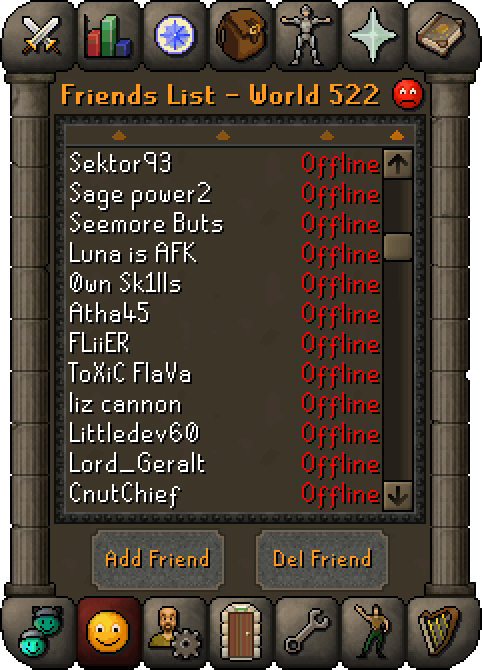
This tab can be used to send private messages to other players, and to see which worlds they are currently on.
The Ignore List can be accessed here by clicking on the red sad face on the top right of the tab.
To add a player to your Friends List, click the 'Add Friend' button in the Friends List interface, type the player's display name, and press enter or simply right-click their name in the chat box and select 'Add friend'.
The Friends List in Old School RuneScape can hold up to 200 names for free-to-play players, and 400 names for members.

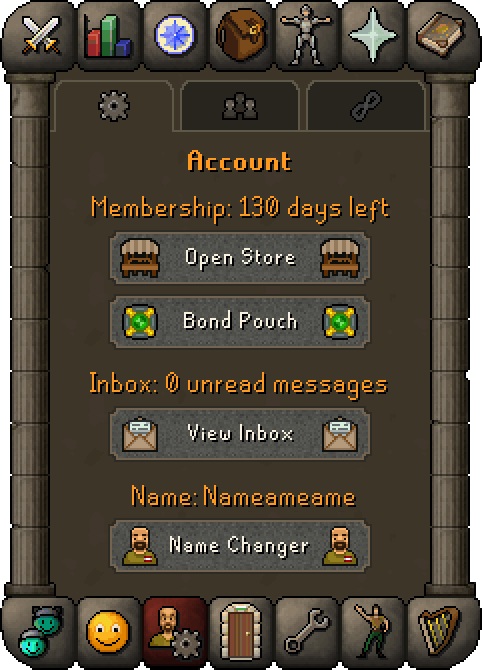
This area shows useful information regarding your account like inbox messages, membership and show links to different resources.
The first tab includes access to your Bond Pouch, the Store and lets you access your Player Inbox.
The Community Tab lets you take a look at previous polls, allows you to vote on current ones and take a trip to view newspost archives.
The final tab: Links, gives easy access to a bunch of useful areas outside of the core game.

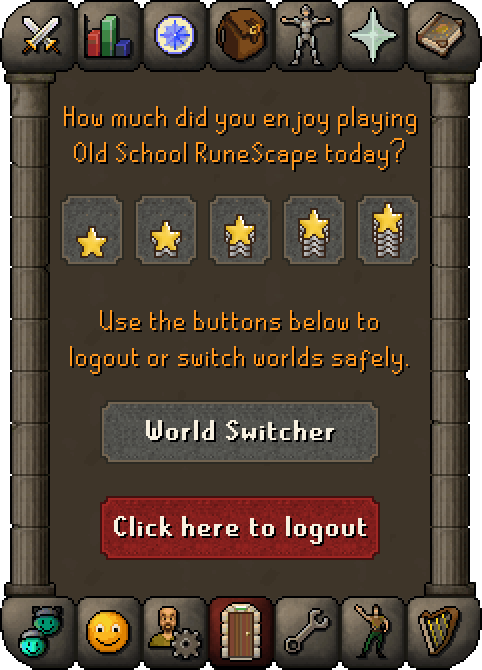
The Logout tab is used to end a session of OSRS, safely removing the player from the world.
This can sometimes, depending on the configured layout, appear as a button in various corners of the screen, either the bottom-right, top-left, or top-right corner.
The World Switcher button allows you to easily hop between different worlds in the game, as you're not bound to one world or realm here.
Sometimes certain activities are best on other worlds so explore the world list to see the full range of activities!

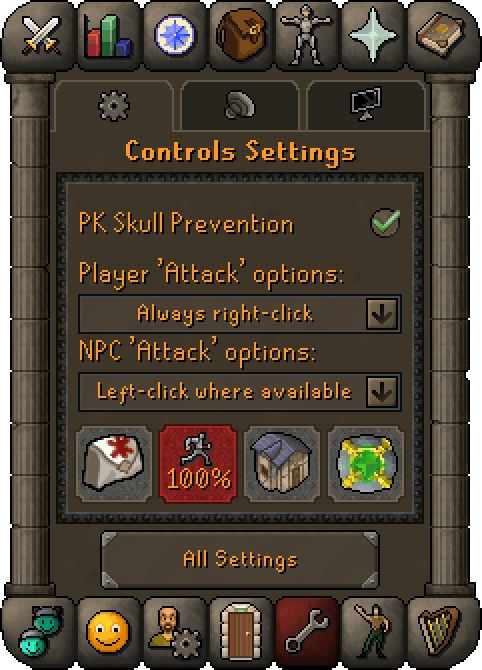
Settings is the screen that lets you change various settings (shocking), such as the brightness of the game client, whether or not chat effects display, whether to accept aid or not, the volume of the music and sound effects, and much more.
While the settings tab allows you to quickly change their Control, Audio, and Display settings, players can change or toggle additional settings via the main settings interface, accessed by clicking the "All Settings" button at the bottom of the tab.

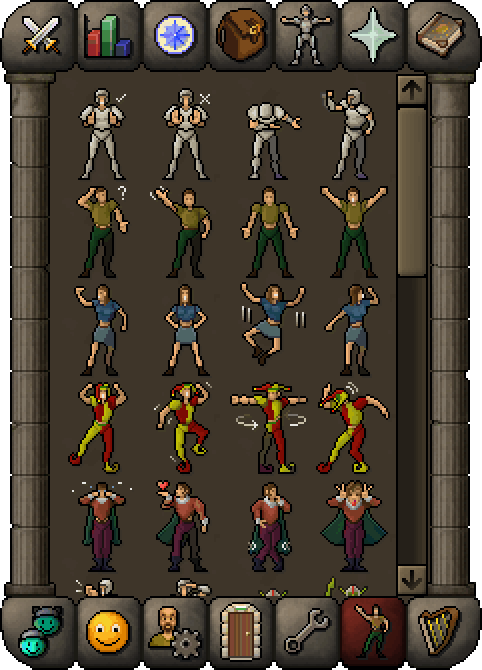
Emotes are a selection of movements that a player can perform. Some emotes are unlocked by default, to be unlocked through random events, quests and more.
Emote icons that are bright in colour represent emotes that you have unlocked; either by default, or through the completion of a circumstance. On the other hand, dimmed out emote icons represent the emotes you have yet to unlock.
Emotes can also be triggered via chat commands by typing (::) or (!) followed by the emote name.

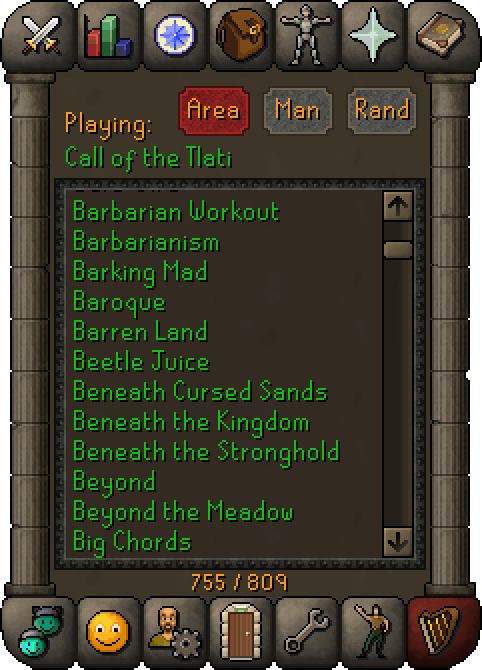
The Music Player tab displays what music theme is playing at the moment. The music is unlocked as you play the game and explore new places and contents.
Players can click on the "Rand" button at the top of the screen to shuffle between music the player has unlocked. Players can also click on green titles to choose which track to listen to.
Titles in red have not been unlocked, and thus cannot be played. There are a total of 809 music tracks.